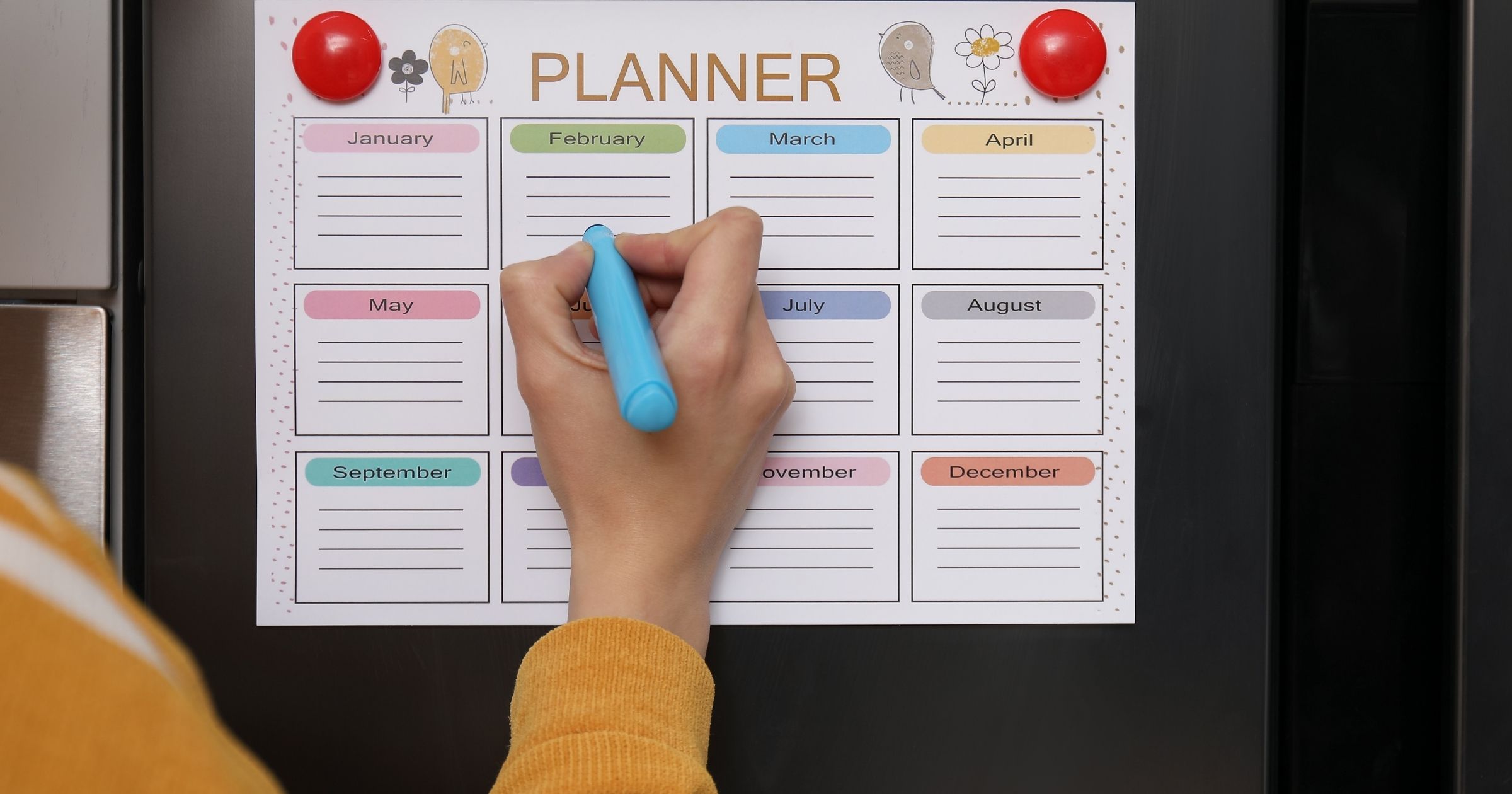
Summer is winding down, and before long it is first day photos on the porch, a fridge full of supply lists, and about six different schedules landing in your lap at once. Here is how to organize your family calendar before the school year starts, so you walk in calm instead of scrambling.
Back to School Always Sneaks Up
You know how it goes. One week the kids are sleeping in and the biggest decision is pool or sprinkler. The next, the school calendar hits your inbox, sports and band signups open, and somebody is already asking who is driving to the first practice. It lands all at once, every single year.
Here is the good news. The families who breeze through August are not the ones with fewer kids or fewer activities. They are the ones who set up their family calendar before the rush instead of building it on the fly. A little setup now saves you months of "wait, what time is that again?" texting later.
So grab your iced coffee, find a comfy spot, and let us get your family schedule sorted before the first bell.
Step 1: Get Every Schedule in One Place
Right now your family schedule is probably scattered everywhere. The school calendar is a PDF buried in your email. The soccer schedule lives in a team app. Piano came in a text from the teacher. Your work calendar is separate, and your spouse is keeping half the plans in their head.
The first move is to pull all of it into one shared family calendar you will actually check. Connect the calendars you already use, whether that is Google, Apple, or Outlook, so work, school, and every activity show up in a single view. Once everything lives together, you can spot the pileups coming: the recital on the same night as the away game, the early release day you would have missed.
Step 2: Add the School Calendar First
Before activities stack up, get the school calendar itself in there. These are the fixed dates everything else builds around, so knock them out early:
- First and last day of school
- Remote days and no school Mondays
- Early release days (the ones that always catch you at 1 o'clock)
- Holiday breaks
- Back to school night, picture day, and conferences
Think of these as the fence posts for your year. Once they are set, every practice, lesson, and birthday party slots in around them, and you catch conflicts before they turn into a Tuesday night crisis.
Step 3: Tag Events by Who Needs to Know
Here is where a shared family calendar really earns its keep. Not everybody needs your whole schedule. Grandma wants the games and recitals so she can be there cheering. The carpool parent needs one sport. The babysitter only cares about the evenings you are heading out.
So tag your events by category, like School, Soccer, Piano, Church, and Family, whatever fits your crew. Then hand each person the slice that matters to them and nothing else. Everybody stays in the loop without wading through stuff that has nothing to do with them.
Step 4: Set Up Your Shares Once
This is the part that pays you back all year. Once your events are tagged, set up a share for each person or group and pick which tags they get:
- Grandma and Grandpa get all the kid activities so they never miss a game.
- The carpool family gets just the one sport you trade off driving for.
- The babysitter gets your evenings out.
- Your spouse gets the whole picture.
From then on, when something changes, and something always changes, you fix it once on your end and everybody with that tag sees the update automatically. No group texts. No screenshots of the new schedule. No lying awake wondering if you told Grandma that practice moved to the turf field.
Best part: the people you share with do not need to download a thing or make an account. They tap a link one time, and the events show up right in whatever calendar app they already use. Grandma keeps her iPhone, Grandpa keeps his Android, everybody is happy.
Step 5: Do It Before Labor Day
The whole trick is timing. Set this up in the quiet weeks before school starts and you walk into the year calm, organized, and actually looking forward to it. Wait until you are buried in signup forms and schedule changes, and you are building the system while it is already running full speed.
So pick an evening this week. Sit down for about an hour and knock it out. Pull everything in, add the school calendar, tag your events, set up your shares. Then let it ride. Future you, standing calm at the bus stop on the first day, will be grateful.
Here Is to a Smooth Start
That is really what this is about. Not the calendar feeds or the tags or the tech. It is spending less of your fall wrangling logistics and more of it enjoying your family. Cheering at the games. Sitting next to Grandma, who showed up at the right field at the right time because her calendar told her exactly where to be.
Capacitly was built for exactly this. You connect the calendars you already use, tag your events, and share the right slice with the right people. The folks you share with never have to download an app or make an account. They just tap your link, and the events land in whatever calendar they already use. You do the setup once, before the year kicks off, and it carries you all the way to summer break.
Try Capacitly and start the school year one step ahead.
Capacitly. Your calendar. Your rules.